Bank App
Simple banking app - Google UX/UI certificate
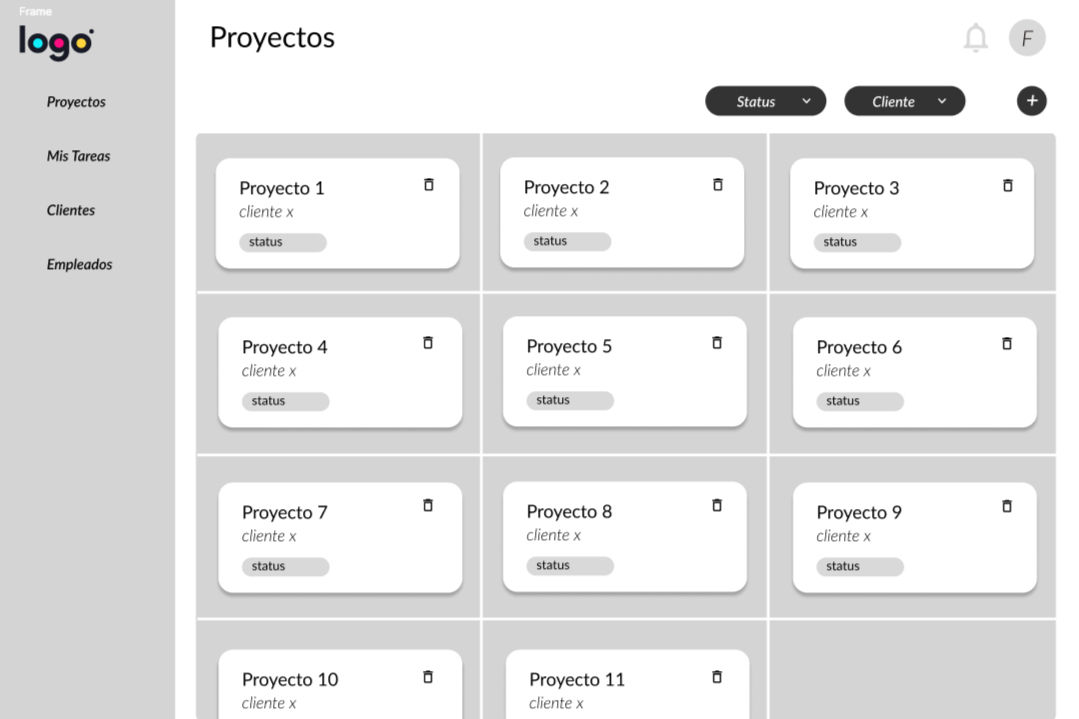
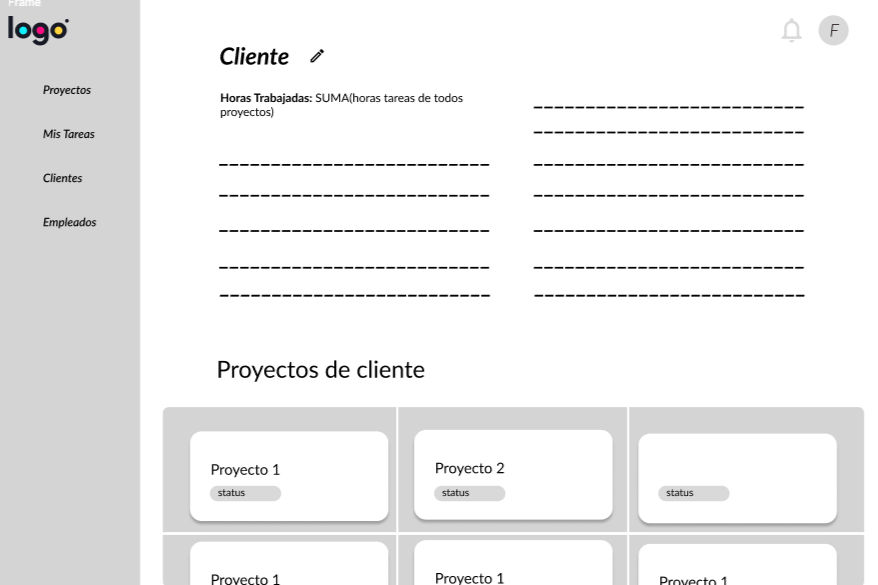
Designed and led a centralized task management platform for a legal consulting firm to replace fragmented spreadsheets and email workflows. The product focused on clear ownership, reliable status tracking, and simple defaults to reduce coordination loss across teams.
%205_13_07%E2%80%AFp_m_.png)
%201_12_10%E2%80%AFp_m_.png)
PROBLEM
Bank apps in Mexico feel complex, especially for older adults.
People want to open an account and manage money without visiting a branch, but they face confusing menus, unclear labels, and fear of making mistakes.
GOAL
Let users select, set up, and manage a personal bank account fully online-safe, simple, and guided.
Key tasks: open an account, check balance, transfer money, freeze a card, and view history with clear steps.
my role.
UX Researcher & UX/Ul Designer
tools.
Figma
USER RESEARCH
Iran a mix of methods: interviews with stakeholders, watched how they actually worked with spreadsheets and email, and ran usability tests on low-fi screens. At first, I thought users needed more features. The research showed the real issues were unclear ownership and next steps, and not knowing if changes were saved or statuses updated. So we focused on clarity, simple defaults, and clear confirmations instead of adding lots of settings.
CONFUSING NAVIGATION AND OVERWHELMING INTERFACES
pain point
Too many options on the home screen and similar menu names lead users down the wrong path.
Deep/hidden menus make key actions hard to locate.
POOR ACCESSIBILITY (SMALL FONTS)
pain point
Small text, tight spacing, and low-contrast elements strain readability.
Small tap targets cause mis-taps on key actions.
SECURITY CONCERNS AND FEAR OF MAKING MISTAKES
pain point
No strong review step before sending money.
Weak or delayed confirmations make users unsure if an action worked

"Bank apps save me a lot of time, but l often find them confusing and stressful to navigate."
goals:
-
Seamlessly manage her bank account with clear and intuitive features.
-
Easily open new accounts without requiring external assistance.
-
Feel confident and independent while using the app.
frustrations:
-
Spending unnecessary time figuring out confusing app interfaces.
-
Feeling anxious about making mistakes while managing her account due to unclear workflows and small text/buttons.
Teresa Juarez
Age: 72
Education: Secretary
Hometown: Tijuana
Family: Widow, 3 grown up children
Occupation: Retired
Teresa recently retired and uses bank apps to manage her finances from home. While she appreciates the convenience, navigating through unclear app flows often leaves her frustrated and anxious. She wishes for a user-friendly solution that simplifies her banking experience, empowering her to manage her finances confidently and independently.
FIRST DRAFTS
wireframes.
Started with quick sketches to align on structure and flow.
Mapped how screens connect, where the primary action lives, and the basic information hierarchy.
Result: a shared blueprint with a flow map, screen inventory to move into low-fi.


low-fi.
Turned sketches into grayscale mobile wireframes to lock layout and placement, not visuals.
Focused on consistent navigation, short labels, one main action per screen, and simple confirmations.
Result: a compact set of interaction rules and a clean handoff for hi-fil design.




USABILITY STUDY
methodology.
Format: in-person, moderated, think-aloud
Rounds: MVP (first pass),
Measures: click path quotes and task completion
Participants: 6 seniors (60-78), 2 mid-age (35-50), 2 young adults (20-30)
findings.
Label confusion: "Cards & Movements" read as the same section; users hesitated.
Transfer friction: choosing "type of transfer" before entering a name felt technical; people wanted recipient first.
Text size: seniors asked for larger text and stronger contrast.
Predetermined amounts: unclear why fixed amounts appeared; feared sending the wrong sum.
IMPACT
-
Fewer errors and retries in transfers; faster time-to-complete for seniors.
-
Lower support requests about "where to find X"
(Freeze, Transfer, Balance).
-
Higher adoption for older users and caregivers thanks to Simplified Mode.
What I learned
-
Apply feedback changes.
-
Build hi-fi prototypes (same flows, platform patterns).
-
Do a small second pass of usability checks (5-7 people, seniors-first) to confirm fixes.
-
Create a mini design system for mobile: tokens (color/type/spacing), buttons, inputs, cards, states.
-
Prepare handoff in Figma with specs and naming aligned for Android & iOS builds.
Responsibilities
-
Planned and ran interviews, created personas, journey map, and problem statements.
-
Built paper & digital wireframes and a low-fi prototype.
-
Designed core flows.
-
Moderated 10 sessions (think-aloud) and documented in a usability matrix.
-
Synthesized findings and defined actionable changes (labels, flow order, confirmations, accessibility).